
A Quick Troubleshooting Guide for Common Web Image Issues
Common web image issues often create a real headache for website owners. Many times, the trouble is not a complicated coding error but simply a mismatch in the file format. This guide helps people quickly identify and solve these vexing problems by choosing the correct image type.
The Annoying White Box Around the Logo
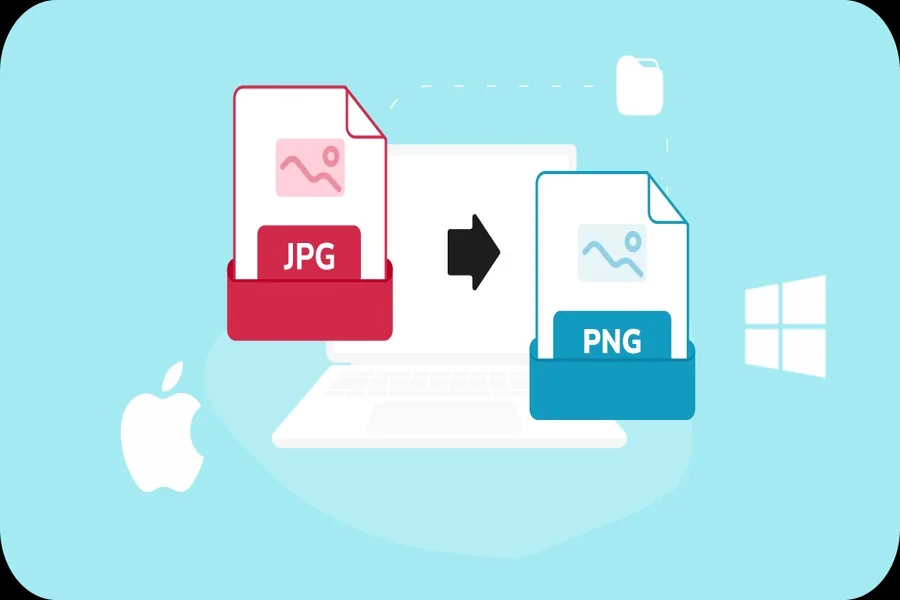
The annoying white box around a logo is a frequent frustration on many websites. This visual glitch almost always means the image is a JPG file, which does not support see-through areas. You don’t need to be a designer to fix this. Just upload the file and convert jpg to png to instantly add the necessary transparent background.
Pages That Take Forever to Load
Pages that take forever to load can make visitors leave your site. The diagnosis for this sluggish performance is often the use of unnecessarily huge PNG files for complex photographs. When you need to slash load times, you need to quickly convert png to jpg to drastically reduce the file size without significant quality loss.
Other Common Image Problems
Other common image problems also have simple format solutions. For instance, blurred graphics often happen when a small image is stretched too large; using a higher-resolution file is the proper rectification. If a photo with many colors looks blotchy, it might be saved as a GIF instead of a superior JPG. For simple animations, a GIF remains a reliable choice to ensure the motion plays correctly on the website.
A Simple Format Switch Is Often the Answer
So, many web image headaches do not require complex software or expert skills. A simple format switch can solve a majority of these common issues. Understanding when to use a JPG versus a PNG is a fundamental skill that helps keep a website looking clean and running fast.
