
Smartwatches have become essential tools for tracking fitness, managing notifications, and staying connected. However, a device that refuses to charge can quickly turn from a helpful companion into a frustrating gadget. Many users encounter charging issues, whether due to faulty cables, dirty charging ports, or deeper hardware problems. The good news is that most charging failures can be fixed at home with simple troubleshooting. In this article, we’ll explore the most common reasons why your smartwatch isn’t charging and provide step-by-step solutions to get it working again.
Check the Charging Cable & Adapter
How to Spot a Damaged Charging Cable
A damaged charging cable is one of the most frequent causes of smartwatch charging failures. Over time, cables can fray, bend, or develop internal wire breaks that disrupt power flow. Examine the cable closely for visible cracks, exposed wires, or bent connectors. If the cable feels loose when plugged in or only charges at certain angles, it’s likely faulty. Another sign is if the cable gets unusually warm during charging, which could indicate a short circuit. Always use the original cable or a high-quality replacement, as cheap alternatives may not deliver consistent power. If you suspect the cable is the issue, testing with another one can confirm whether it’s the culprit.
Testing With a Different Charger
Sometimes, the problem isn’t the cable but the power adapter or USB port. If your smartwatch charges via a USB plug, try connecting it to a different wall adapter or a computer’s USB port. Some adapters don’t provide enough power output, leading to slow or failed charging. Wireless chargers can also malfunction—ensure the charging pad is properly aligned and free from obstructions. If the watch charges with a different adapter or cable, you’ve identified the issue. Avoid using fast chargers not designed for your device, as they may cause overheating or battery damage over time.
Inspect the Charging Port & Contacts
Cleaning Dust & Debris From the Port
Dirt, lint, and sweat can accumulate in the charging port, preventing proper contact between the cable and the watch. Use a soft, dry toothbrush or a can of compressed air to gently clean the port. Avoid metal tools that could scratch the connectors. For watches with magnetic charging pins, wipe the contacts with a microfiber cloth dampened slightly with rubbing alcohol. After cleaning, let the port dry completely before attempting to charge again. Regular maintenance can prevent buildup and ensure reliable charging.

Corrosion or Water Damage Signs
Exposure to moisture, whether from sweat or accidental spills, can corrode the charging contacts. Look for green or white residue on the metal connectors—this indicates oxidation. If corrosion is mild, carefully clean it with a cotton swab dipped in isopropyl alcohol. However, severe water damage may require professional repair. Even water-resistant watches can suffer internal damage if submerged frequently. If your device was recently exposed to liquid and won’t charge, place it in a dry, warm area for 24 hours before retrying.
Wireless Charging Pad Problems
Wireless charging relies on precise alignment between the watch and the pad. If the watch isn’t centered correctly, it may not charge at all. Check for any objects, like phone cases or metal items, blocking the connection. Some charging pads also overheat after prolonged use, triggering safety shutoffs. If the pad feels hot, unplug it for a few minutes before retrying. Additionally, ensure the pad’s power adapter is functioning—sometimes, the issue lies in the power source rather than the watch itself.
Software & Battery Issues
Frozen Screen? Try a Force Restart
Software glitches can sometimes prevent a smartwatch from charging. If the screen is unresponsive or the device won’t turn on, a force restart may help. The method varies by model but usually involves holding down the power button for 10-20 seconds until the device reboots. This clears temporary software errors without deleting data. After restarting, connect the charger and check if the battery icon appears. If the watch still doesn’t respond, further troubleshooting may be needed.
When a Factory Reset Might Help
If force restarting doesn’t work, a factory reset can resolve deeper software issues. Be aware that this erases all data, so it’s best used as a last resort. Check your device’s manual for reset instructions—typically, you’ll need to access the settings menu or use a button combination. After resetting, set up the watch again and test charging. If the problem persists, the issue is likely hardware-related.
Hardware & Battery Failure
Signs Your Battery Needs Replacement
Over time, smartwatch batteries degrade and lose their ability to hold a charge. If your watch dies quickly even after a full charge or refuses to power on, the battery may be failing. Swelling is another red flag—if the back of the watch feels bulged, stop using it immediately to avoid safety risks. Replacing the battery can extend the device’s lifespan, but some models require professional servicing.
Internal Damage: Drops & Water Exposure
Physical impacts can damage internal components, including the battery and charging circuit. If your watch was recently dropped or exposed to extreme conditions, internal fractures may be disrupting power flow. Water damage, even in resistant models, can corrode circuits over time. If basic fixes don’t work, a technician may need to inspect the device for hidden damage.
Warranty & Repair Options
If your smartwatch is still under warranty, contact the manufacturer for a repair or replacement. Many brands offer support for charging issues caused by defects. For out-of-warranty devices, third-party repair shops can often replace batteries or fix charging ports at a lower cost than buying a new watch. Research reputable service centers to avoid further damage.
Conclusion
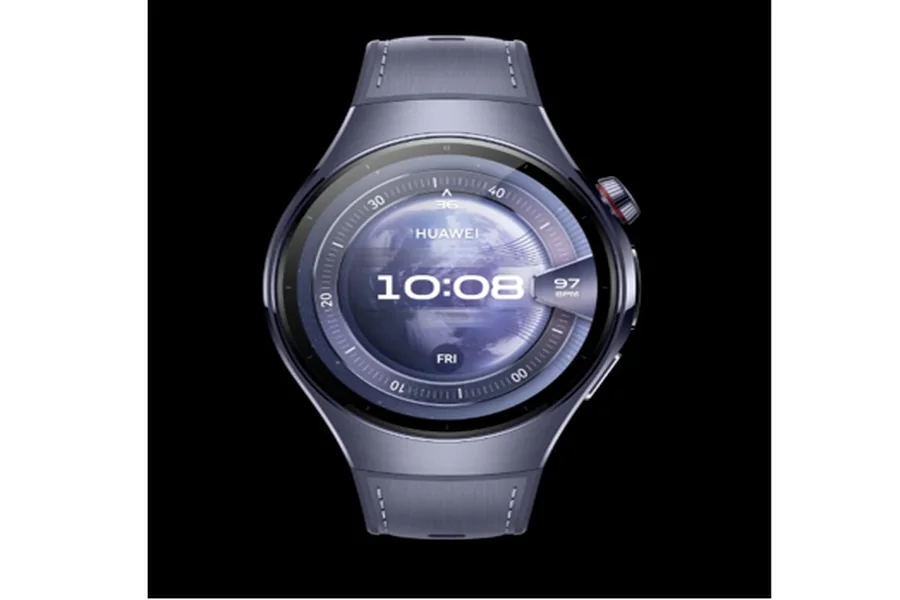
If none of these solutions restore your smartwatch’s charging ability, the device may have reached the end of its lifespan. Before giving up, consult a professional for a final assessment. For those looking to upgrade, the Huawei Watch 5 is a leading choice, combining elegant design with advanced features that enhance both functionality and personal style. Whether repairing or replacing, taking proactive steps ensures you stay connected without interruption.