
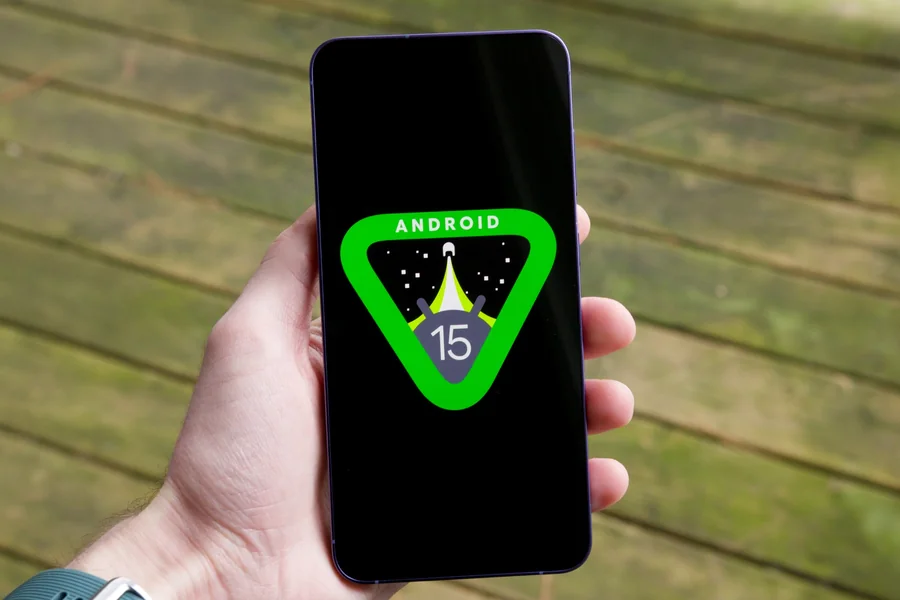
Android 15 is here, and while many people focus on the big updates, some of the best features are hidden. These small but powerful tools can make your phone easier and more fun to use. Let’s explore ten hidden gems that come with Android 15.
New Battery Health Monitor
Keeping your battery strong matters. Android 15 now includes a battery health tool. It shows your battery’s age and how well it holds a charge. Before, this was hard to find. Now, it’s built into the settings. You can even get tips to keep your battery healthy for longer.
Private Space for Apps
Sometimes you want to hide apps from others. Maybe it’s a finance app or a personal diary. Android 15 gives you a new “Private Space.” You can lock this area with a PIN, fingerprint, or pattern. It’s like having a hidden folder on your phone.
Better App Pairs for Multitasking
Do you like using two apps at once? Android 15 makes it better. Now, you can save your favorite app pairs. For example, you can open YouTube and Notes together with one tap. This saves time and boosts your multitasking.
Smarter Notification Summary
Getting too many alerts? Android 15 lets you group less important messages into one smart list. It shows only when you want it to. This keeps your screen clean and helps you focus. You choose which apps to include.
Touch-Friendly Screen Magnifier
If small text is hard to read, Android 15 has a fix. The new screen magnifier is easy to use. Just tap the screen three times. You can zoom in on anything. It stays on until you turn it off. It’s a big help for low vision users.
Live Translate for More Languages
Traveling? Chatting with someone who speaks another language? Android 15’s live translate tool now works with more languages. It also works offline. This means you can use it even without the internet. Great for global travelers or students learning a new language.
Quick Camera Launch Gestures
Taking a photo fast is easier than ever. You can now double-press the volume button to open the camera. Even when the screen is off! You won’t miss special moments again. This trick is handy and works on most Android 15 phones.
Audio Sharing with Bluetooth
Want to share your music? Android 15 lets two people connect to one phone with Bluetooth. Both can listen at the same time. This is perfect for plane rides, movies, or walks. You just need supported earbuds or headphones.
Locked Folder in Gallery
Keep your private photos safe. Android 15 gives you a locked folder in the photo gallery. Only you can open it. This is great for storing personal photos or documents. You can use a password or fingerprint to unlock it.
Smarter Wi-Fi Sharing
Sharing your Wi-Fi has never been simpler. Android 15 lets you send Wi-Fi details using QR codes or nearby share. Your friend doesn’t need to type anything. Just scan and connect. This is fast, safe, and easy to use.
Find Real Fun on Android
Android 15 helps you relax too. With better support for gaming apps, it runs games more smoothly. If you enjoy mobile games, check out sites like https://www.jackpotjill.ai/en/real-money-casino. Just be sure to play responsibly.
Why These Features Matter
These hidden tools may not make big headlines, but they change how you use your phone. They add speed, safety, and ease. You don’t need to be a tech expert to use them. Android 15 makes smart choices feel simple.
Most of these features live inside your settings. Take a few minutes to explore. Open your settings, tap around, and look for new options. You may find one that solves a problem you didn’t even know you had.
Tips to Explore More
Here are easy ways to discover hidden features on your own:
- Use the search bar in your settings.
- Look for new icons or buttons after updating.
- Tap and hold on apps to reveal shortcuts.
- Read the “What’s new” section after updates.
- Join forums or Android communities online.
The best part? Android keeps getting better. More updates will bring even more features. But for now, Android 15 already gives you more power in your pocket.
Final Thoughts
Android 15 is not just about new looks. It’s about helping you do more with less effort. These ten features are just the start. Try them out. Share them with friends. And most of all, enjoy your phone more than ever.
Hidden tools like these are what make Android fun. They’re like Easter eggs for your device. You just need to know where to look.
Summary of Hidden Features
- Battery health monitor
- Private app space
- Saved app pairs for multitasking
- Smart notification summaries
- Easy screen magnifier
- Live translate offline
- Quick launch camera gesture
- Bluetooth audio sharing
- Locked photo folder
- Easy Wi-Fi sharing
These updates are small in size but big in impact. Android 15 may look simple, but behind the scenes, it’s full of surprises waiting to be found.
