
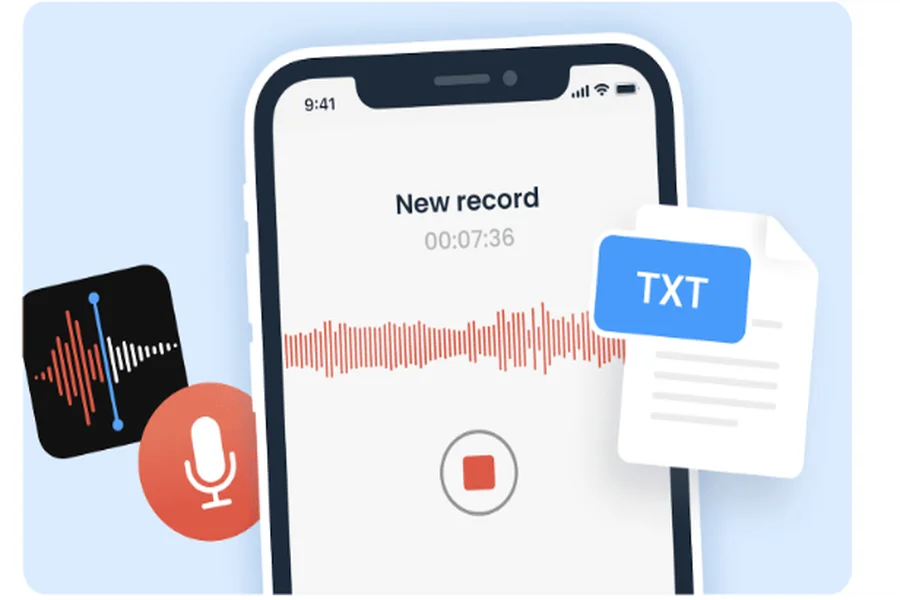
If you need to transcribe voice memo to text free, you likely understand the weight of responsibility that comes with sensitive audio. Imagine a journalist recording a high-stakes interview in a crowded cafe, or a healthcare professional dictating patient rounds in a busy hallway. The information captured is invaluable, but leaving it as a raw, unsecured audio file on a mobile device is a significant digital risk.
We designed Vomo.ai to serve as the secure bridge between your fleeting spoken ideas and permanent, encrypted PDF documentation. By transforming your voice memos into searchable, professional documents, we help you move beyond simple recording and toward true knowledge management.
Why Is Manual Transcription a Security Threat for Professionals?
In 2026, relying on manual speech to text workflows is more than just a productivity drain—it is a major security vulnerability. When professionals in legal, medical, or financial sectors type out their own notes or send files to unverified third-party freelancers, they expose sensitive data to potential breaches.
Unsecured audio files lack the audit trails and encryption necessary to meet modern compliance standards like GDPR. Furthermore, human error during manual transcription can lead to critical misunderstandings in “verbatim” records. Professionals now require automated, secure AI engines that process data locally or via encrypted cloud environments to ensure confidentiality remains intact from the moment the “record” button is pressed.
How Vomo.ai Ensures 99% Accuracy and Enterprise-Grade Encryption
We believe that high-security documentation should never come at the expense of precision. Vomo.ai delivers 99% industry-leading accuracy by utilizing the Nova-2 ASR model, which is specifically engineered to handle real-world audio challenges like background noise and diverse accents.
This high-fidelity audio to text conversion is only the first step in our secure pipeline. To protect your intellectual property, we implement several layers of defense:
- Enterprise-Grade Encryption: All audio uploads and text downloads are protected via HTTPS encryption, ensuring data is unreadable to unauthorized parties during transit.
- Privacy-First Protocols: Vomo.ai is compliant with global data protection regulations, and we offer an optional 7-day auto-deletion policy for your files.
- No Bot Intrusion: Unlike other platforms, we provide a privacy-first experience with no intrusive meeting bots that record without consent.
By integrating these technical safeguards with GPT-5.2 “Ask AI” intelligence, we transform your raw audio into an interactive knowledge base without ever compromising your privacy.
How to Transcribe Voice Memos to PDF in 3 Secure Steps?
Creating a secure PDF from your voice recordings is a streamlined process designed for maximum efficiency. Whether you are using our web platform or our Apple ecosystem optimized iOS app, the workflow remains consistent.
- Record or Securely Upload: Start a live recording within the Vomo app or upload existing files such as MP3, WAV, or M4A. Our system handles everything from short memos to long-form recordings without length limits.
- AI-Powered Conversion: Once uploaded, our AI automatically detects the language—supporting over 50 languages—and generates a precise transcript in minutes.
- Encrypted Export: Use the “Ask AI” assistant to summarize key points or extract action items. Finally, export the polished content directly as an encrypted PDF, ensuring your documentation is ready for archiving or sharing.
As a comprehensive ai meeting note taker, Vomo.ai manages the entire lifecycle of your spoken information, from the initial sound wave to a structured, professional document.
Tips for Optimizing Your Transcripts for PDF Documentation
To get the most out of your PDF exports, consider these professional optimization techniques:
- Utilize Speaker Diarization: For interviews or group discussions, Vomo’s advanced Speaker Identification labels “who said what,” making your final PDF document much easier to navigate and reference.
- Leverage Scene Templates: Use our automated Scene Template matching to format your transcript as formal meeting minutes, a project plan, or a brainstorming summary before you export.
- Generate an AI Header: Use “Ask AI” to create a concise summary header at the top of your transcript. This ensures that anyone opening the PDF can immediately grasp the key takeaways without reading the full verbatim text.
Frequently Asked Questions (FAQ)
Can I transcribe long voice memos to PDF for free?
Yes. Vomo.ai offers a free tier where new users can get 30 minutes of free transcription usage to evaluate the speed and 99% accuracy of the service. This includes access to our AI features and export options.
Is my data deleted after transcription?
We prioritize your control over your data. While we offer unlimited cloud storage for your convenience, you can choose to delete your files at any time, or rely on our secure protocols that ensure your recordings are never shared or used for model training without your explicit permission.
What formats does Vomo support besides PDF?
Beyond PDF, Vomo allows you to export your transcripts in TXT, DOCX, and SRT formats. The SRT and VTT formats are particularly useful for content creators needing to add subtitles to video projects.
Conclusion: Lock Your Insights with Encrypted Transcription
Documentation should be a catalyst for action, not a source of anxiety. By moving your voice memos into a secure PDF format, you ensure that your insights are protected, searchable, and professional.
Vomo.ai combines the technical rigor of Nova-2 ASR with the creative power of GPT-5.2 to give you more than just a transcript; we give you a secure editorial assistant.
Ready to secure your spoken ideas? Sign up for Vomo.ai today and experience fast, accurate, and secure voice-to-PDF conversion.
